
Part of the Collectivision suite
Insert card. Walk away. Green light means done.
V-drop is a native macOS app that offloads your SD cards and USB readers the moment you insert them — copy, verify integrity, clear the card, eject — then gives you an unmissable green light on screen and on an optional USB indicator light. Stop babysitting transfers.
How it works
1. Card goes in
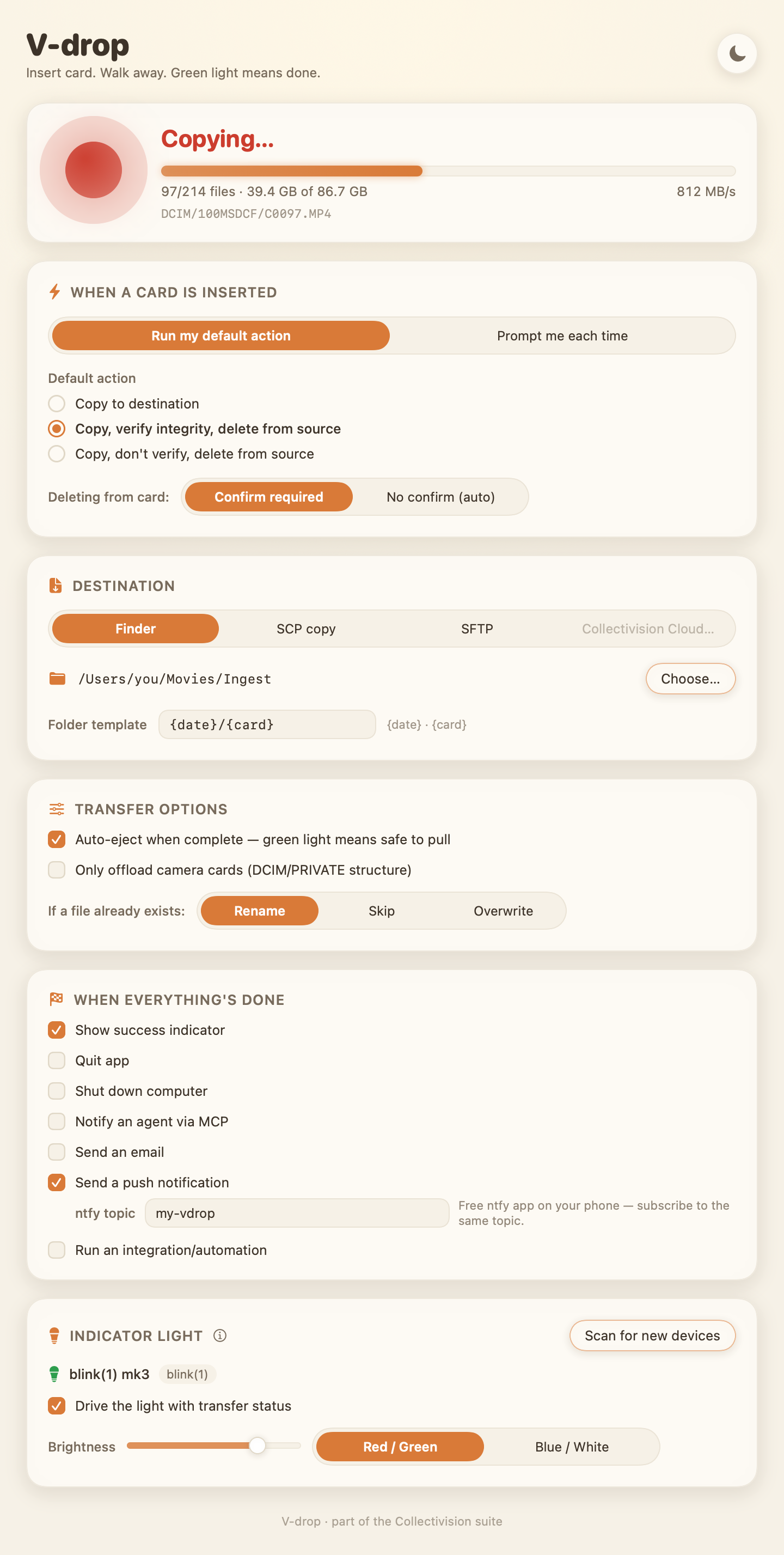
Your USB light turns red. V-drop starts your saved action instantly — or asks, if you prefer.
2. V-drop does the work
Fast chunked copies tuned for card readers, SHA-256 verification, then the card is cleared — only after every byte is confirmed safe.
3. Green light — pull it
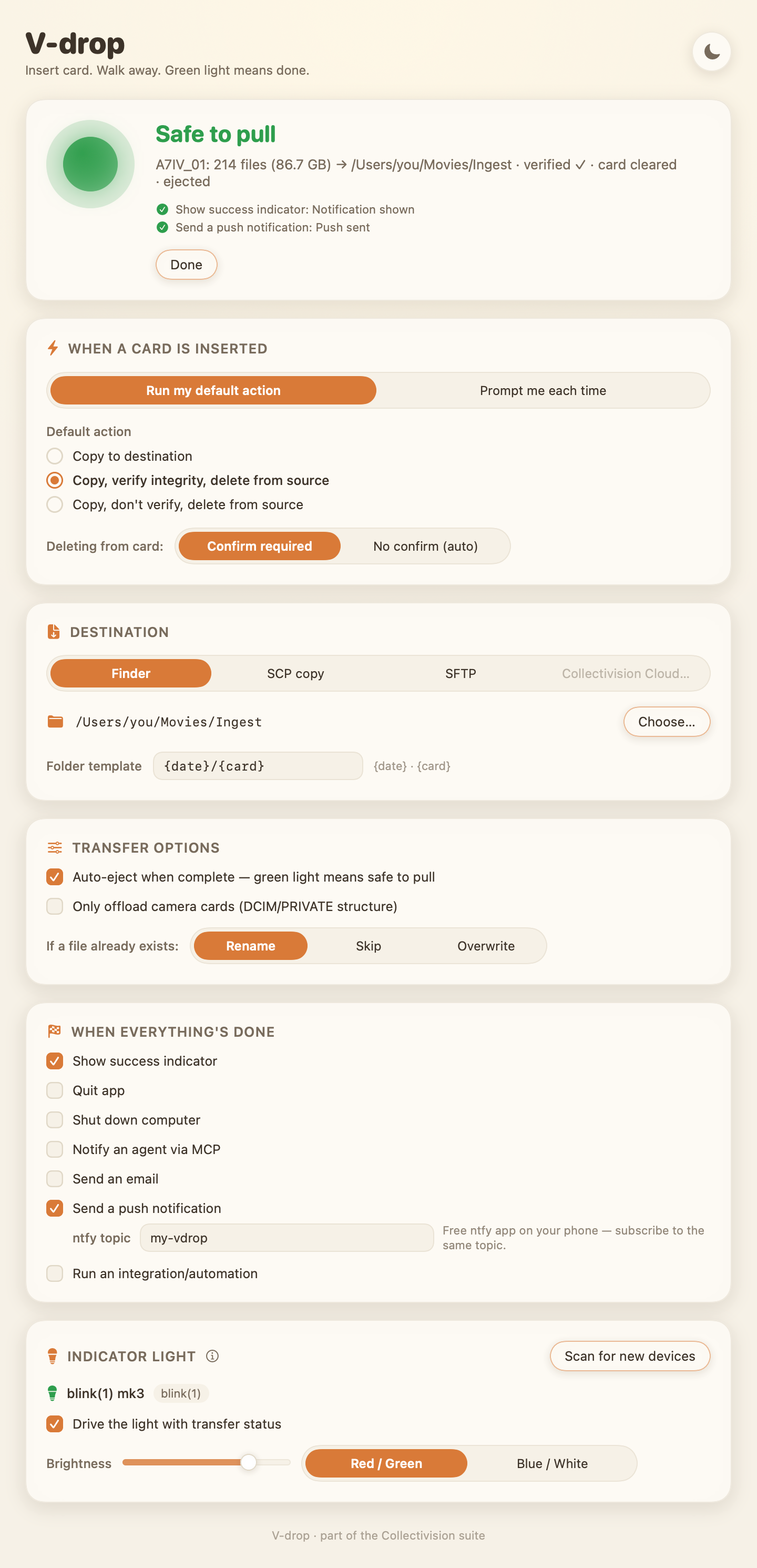
Auto-eject, then green. On your screen, on your desk light, on your phone. Go back to creating.
Made for people who shoot a lot
Verified before deleted
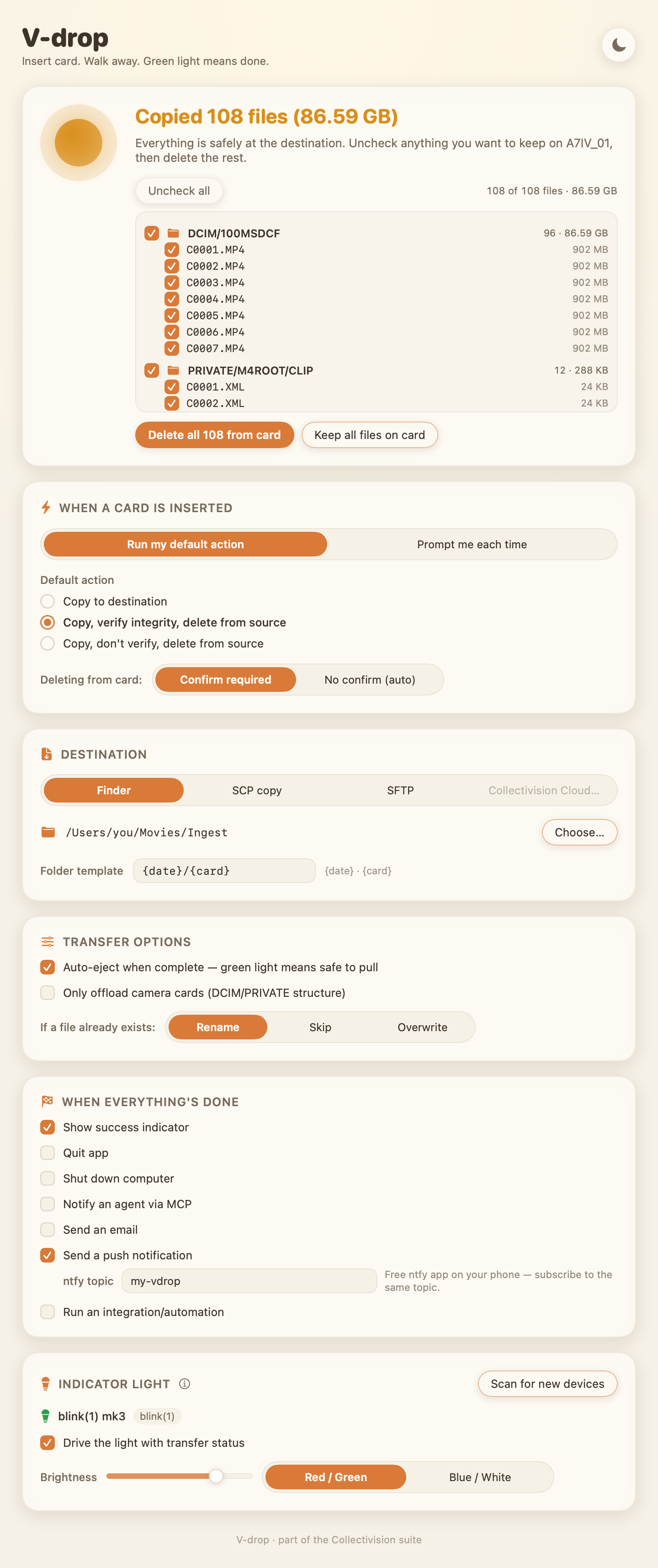
Delete-from-source never runs until every file's checksum matches at the destination — and you can review the exact list, unchecking anything you'd rather keep on the card.
Built for speed
Large aligned reads tuned for card readers, hashing in the same pass, page-cache friendly. Apple-silicon native.
Everything out front
Every setting on one screen. No buried preference panes, no modes to remember.
Your workflow, your rules
Copy only, or copy-verify-clear. Confirm first, or fully automatic. Prompt every time if you like to decide in the moment.
Anywhere files live
Offload to any folder or drive, or straight to a server over SCP/SFTP. Collectivision Cloud coming soon.
Tell me when it's done
Notification, push to your phone, email draft, quit, shut down — or notify your AI agent via MCP.
USB indicator light
Pair a ~$25 blink(1) or Luxafor on top of your reader for glance-from-across-the-room status.
Warm, calm design
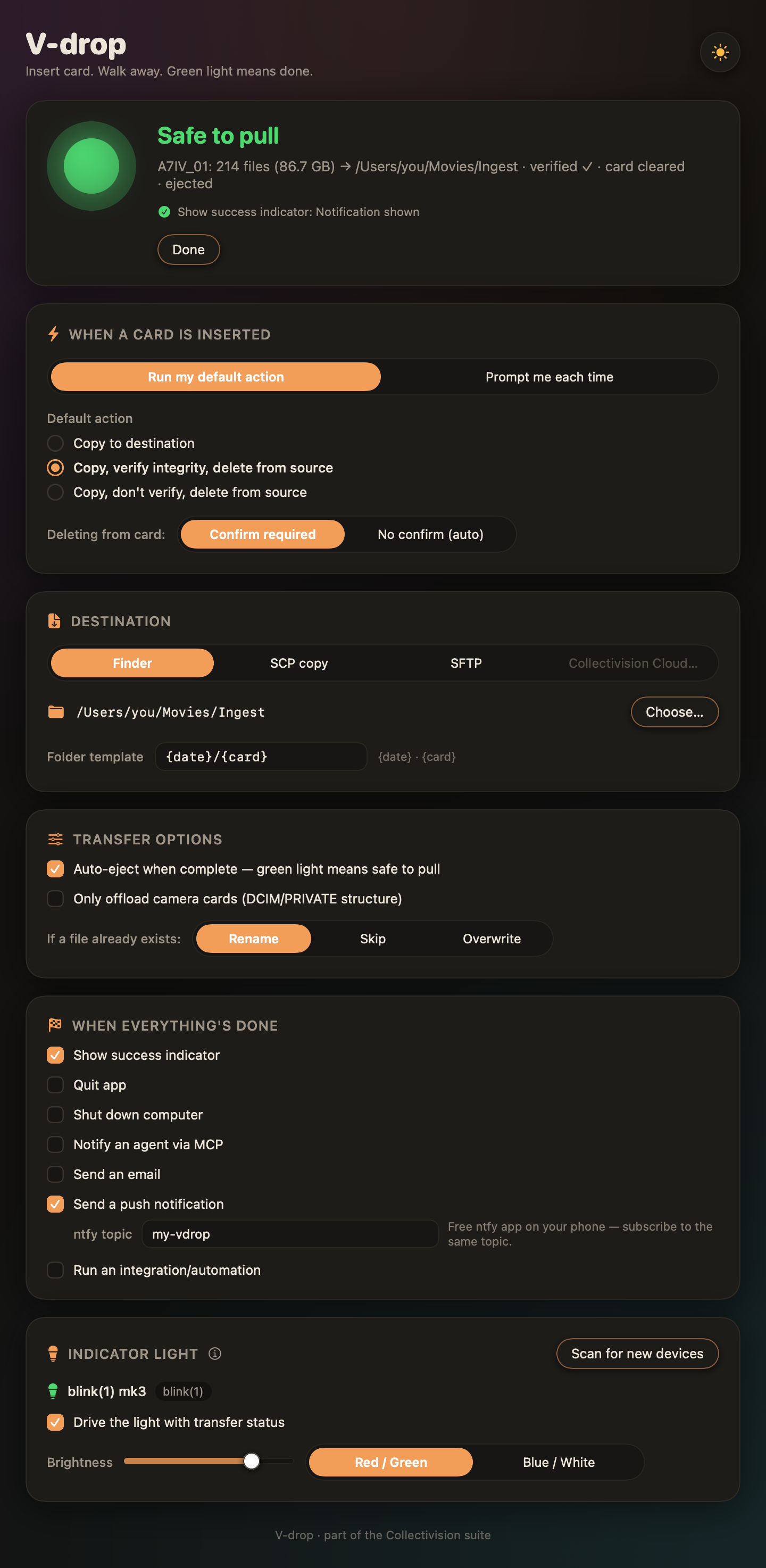
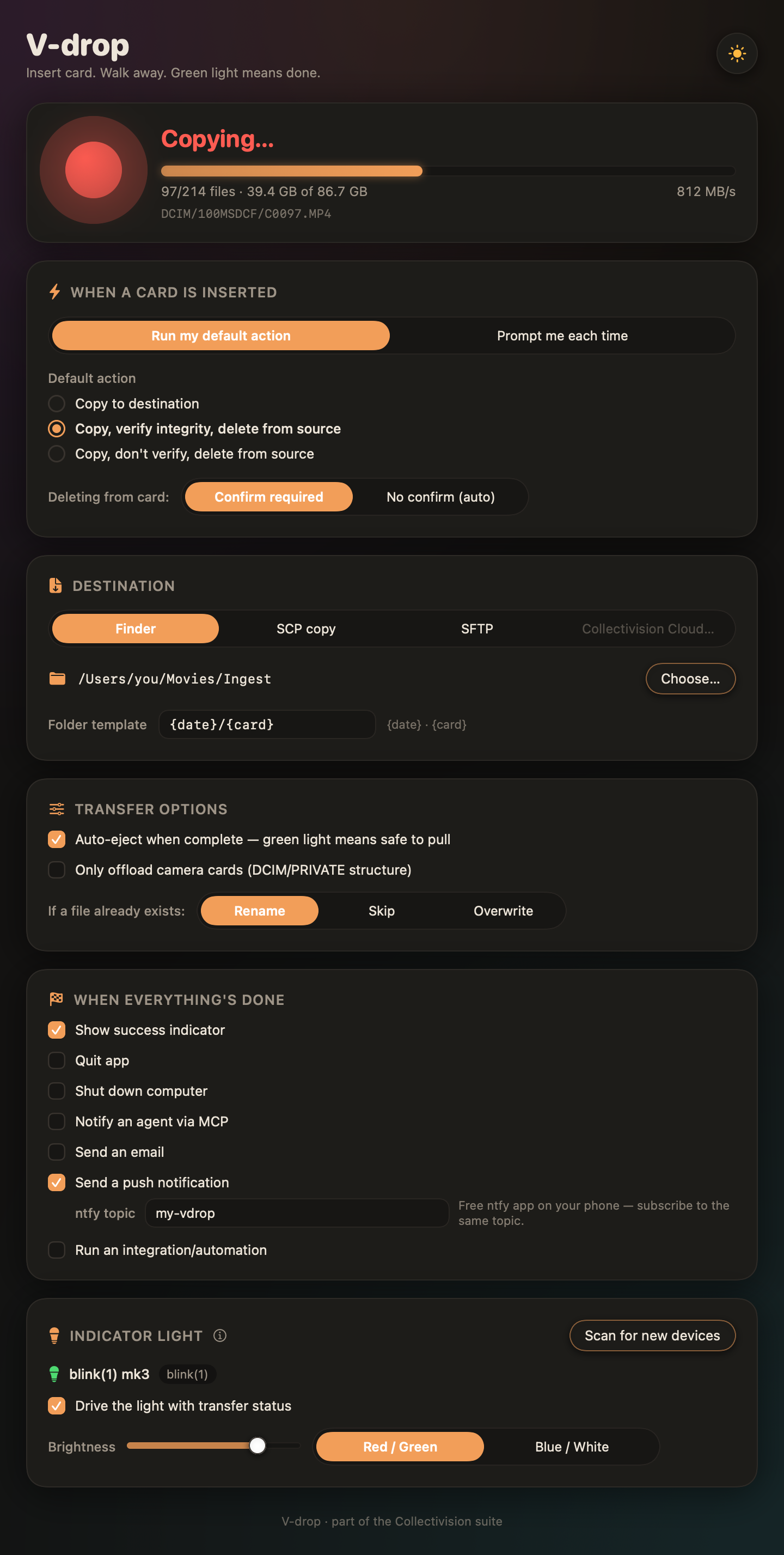
Rich cream tones by day, near-black with soft color fades by night. A utility that's a pleasure to leave running.
Screenshots
The desk light that tells you when you're done
Set an inexpensive USB RGB light on top of your reader. Off means no card. Red means working — don't touch. Green means verified, cleared, ejected: pull the card and go. V-drop drives blink(1) mk2/mk3 and Luxafor Flag/Orb out of the box (about $25–35, no drivers), and many generic USB HID RGB lights via the built-in generic driver.
No light? The big on-screen indicator, notifications, and phone push do the same job.
Coming soon
One price. Yours forever.
No subscription. Free updates through 1.x. V-drop goes on sale on the Mac App Store and directly from us — same app, same price. Leave your email and we'll tell you the day it opens.
macOS 14+ · Apple silicon & Intel · Direct build is notarized by Apple
FAQ
When can I buy it?
Soon — V-drop is finishing its last round of polish before it goes on sale. Any of the notify buttons on this page adds your email to the launch list; we'll send one message the day it's purchasable, and nothing else.
Is it really safe to auto-delete from my cards?
Deletion only happens after every file has been copied and — in the default mode — its SHA-256 checksum verified at the destination. Any error anywhere stops the whole delete step. You can also require a confirmation click, or turn deletion off entirely.
What cards and readers work?
Anything that mounts as a removable volume: SD/microSD/CFexpress in USB readers, cameras in mass-storage mode, USB sticks, external SSDs. If your Mac can see it, V-drop can offload it.
Do I need the USB light?
No — it's optional. The on-screen indicator, notifications, phone push, and email cover the same 'is it done?' question.
Mac App Store vs. direct — which should I buy?
Same app and price. The direct build additionally offers SCP/SFTP server destinations today (the App Store build adds them in an update). Buy wherever you prefer.
Windows or Linux?
Planned. V-drop is macOS-first so version 1 could be truly native — fast, sandboxed, and light.
Sales & support
Questions before you buy, volume licensing, or help with the app — we read everything.